This is a research-based comparison, checked October 17, 2026. Workshop Atlas has not tested these machines or measured their output. Our site has an affiliate relationship with Sculpfun; see our affiliate disclosure. Manufacturer claims below are identified, and no measured-performance ranking is implied.
Compare these two configurations, not every product called S30
Sculpfun’s model names deserve careful attention. The standard S30, S30 Pro, S30 Pro Max, and S30 Ultra are not interchangeable labels. An accessory listing or review containing “S30” may concern a different machine from the one in your cart.
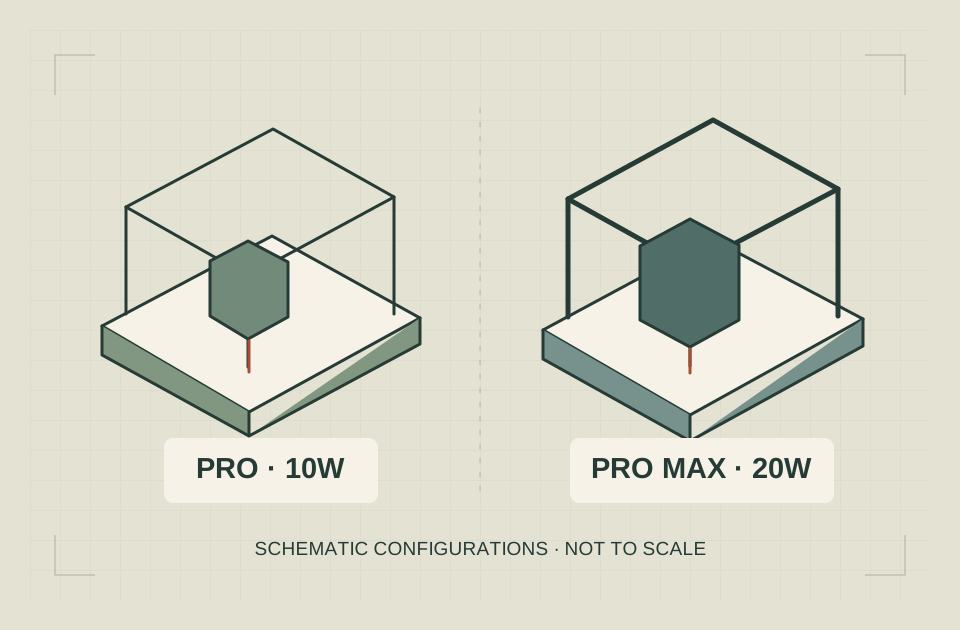
The S30 Pro product page identifies a 10W diode model. The S30 Pro Max page identifies a 20W diode model.
| Documented feature | S30 Pro | S30 Pro Max |
|---|---|---|
| Advertised optical output | 10W | 20W |
| Standard advertised working area | 380 × 385 mm | 370 × 360 mm |
| Automatic air assist | Advertised | Advertised |
| LightBurn support | Listed by Sculpfun | Listed by Sculpfun |
| Exact included accessories | Depends on selected package | Depends on selected package |
| Current delivered US price | Check the selected variant | Check the selected variant |
These are manufacturer-listed specifications, not our measurements. The primary product pages also contain some inconsistent ancillary details, so this comparison deliberately avoids treating every line of a packing list as a verified electrical specification.
Before ordering, save the complete model name, selected package, ship-from location, plug option, and dated quotation. A screenshot of an attractive headline price does not establish what the selected variant includes.
Which difference matters to your actual job?
A useful comparison has an object and an acceptance criterion. “I want to make gifts” is too broad to distinguish these machines.
A more useful brief might be: “I want to mark original line artwork on a known slate blank,” or “I need a supplier to demonstrate a clean through-cut in this identified plywood.” The first emphasizes the mark and layout; the second requires evidence about a specific cutting process.
When engraving is the main task
Do not buy the Pro Max solely because the wattage is larger. Ask what level of detail your artwork needs, how the manufacturer supports that material, and whether a representative sample meets your expectations.
For a coaster with a simple name and border, you can evaluate legibility, placement, and contrast. For a photograph, you also need to evaluate image preparation and the interaction between the chosen settings and material.
Neither an advertised power rating nor a focus-size number proves which machine produces the better-looking version of your artwork. A source photograph, a prepared file, and a documented finished sample provide more useful evidence.
If the Pro can perform the supported task and its complete setup satisfies your requirements, the remaining budget may be more valuable elsewhere in the installation. That is a purchasing judgment, not a claim that the Pro outperforms the Pro Max.
When cutting is the main task
The 20W model is a relevant candidate to investigate when a supported cutting task exceeds what you can establish for the 10W configuration. The next step is to request evidence, not to infer a universal thickness or speed.
Ask for the exact stock identification, measured thickness, preparation, software, speed units, passes, and air-assist configuration used in a demonstration. A clip of a part falling out does not show every condition that made the result possible.
A buyer making occasional thin components and a buyer preparing repeated batches may reach different conclusions even when both machines can complete the job. Include loading, inspection, and cleanup in the comparison.
More optical power does not mean twice the finished output
The rating describes an advertised laser-output characteristic. It does not, by itself, supply a job-time multiplier.
Consider an illustrative production worksheet. One process includes file preparation, loading, focusing, running the job, unloading, and inspection. Only some of those steps could benefit from a faster supported cutting process.
If a hypothetical job spends six minutes on handling and four on processing, reducing processing time to two minutes would change the total from ten minutes to eight. It would not double total output. Those numbers illustrate arithmetic; they are not measurements of either Sculpfun model.
This distinction becomes more important when the design requires multiple colors, accessory changes, or individual placement. A machine demonstration should use the whole job you care about, rather than the fastest motion in an empty workspace.
Ask the supplier which conditions were held constant between samples. If stock, artwork, finish criteria, or accessories differ, the results do not isolate the model difference.
For a personal hobby purchase, the extra time may be acceptable. For a small business, the right question is whether the documented workflow meets a realistic order schedule without assuming uninterrupted production or zero rejects.
Check the usable layout before the larger wattage
The advertised standard fields are not identical. A drawing that fits the Pro’s listed area may not fit the Pro Max’s listed area in the same orientation.
Use the actual design outline, not its diagonal or the size of the blank alone. Add the fixture and clearance requirements for the documented configuration. Then determine whether the artwork and holding method fit together.
For example, a hypothetical 375-mm-wide layout would be inside a 380-mm dimension but outside a 370-mm dimension before any additional placement allowance. This is a geometry comparison, not approval to operate at an advertised boundary.
Rotating a design may solve some layout problems, but not every object or grain direction allows rotation. A handle, a fixture, or the direction of a finished product may constrain the arrangement.
Do not confuse an extension kit’s nominal frame size with guaranteed usable processing area. The product pages and series materials contain different expansion figures. Ask Sculpfun to confirm the supported kit and usable limits for your exact model before making a purchase dependent on expansion.
A large future project that only “might fit after an upgrade” should remain an unresolved requirement in your buying record.
Treat air assist as part of the configuration
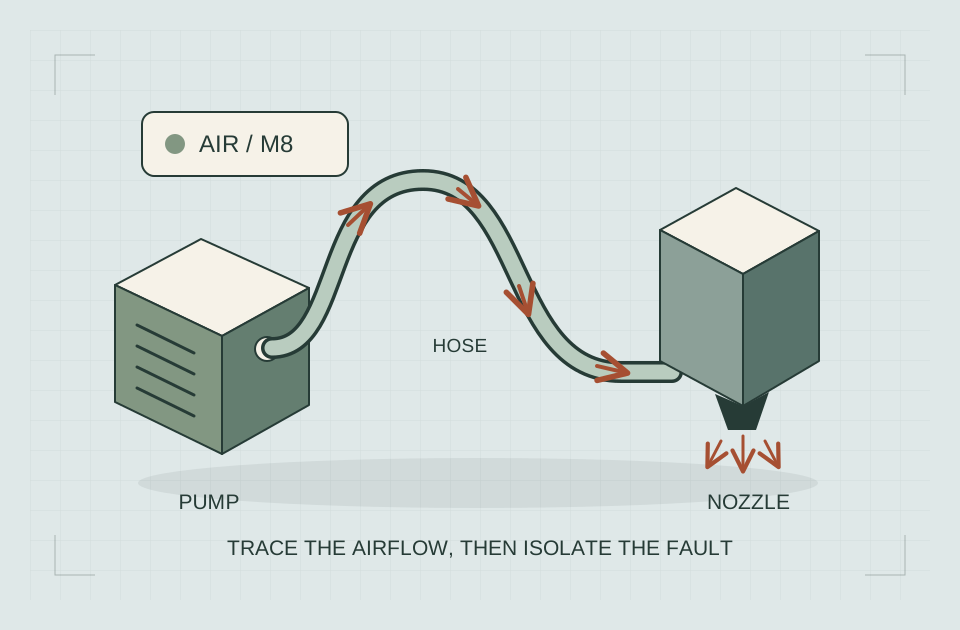
Both models advertise automatic air assist. That shared feature does not make every pump, controller, hose, or replacement part interchangeable.
Sculpfun’s S30 series explanation distinguishes the 20W configuration from the smaller modules and discusses model-specific hardware. Use the actual manual and product identifiers to verify compatibility.
For a new purchase, ask whether the quoted package includes the intended pump, its supported control arrangement, the appropriate tubing, and required mounting components. For an existing machine, record the installed parts before ordering replacements.
Do not substitute power supplies or pumps using a generic comparison table. Conflicting voltage or packing-list details are a reason to obtain manufacturer confirmation, not an invitation to try the closest connector.
Air assist also does not replace extraction. Keep the supported air-assist configuration separate from the arrangements needed to manage fumes and the rest of the installation.
Affiliate link · We may earn a commission on eligible purchases. How funding is disclosed.
Power is one row in the decision
Both advertise automatic air assist and list LightBurn. Bundle contents, installation equipment and a software license still need matching to the selected package.
Compare both columns · scroll the table on a narrow screen
| Feature | S30 Pro | S30 Pro Max |
|---|---|---|
| Optical output | 10W | 20W |
| Advertised standard area | 380 × 385 mm | 370 × 360 mm |
| Automatic air assist | Advertised | Advertised |
| LightBurn | Listed; verify license bundle | Listed; verify license bundle |
| US price / availability | Selected variant not verified | Selected variant not verified |
An upgrade is a different decision from a new machine
If you already own an S6, S9, S10, or another S30-series configuration, start with your installed hardware rather than the name of the desired module.
The manufacturer’s series guide warns against treating the 20W module as a simple universal replacement on older machines. A matching brand name does not establish the required frame, supply, mounting, or controller compatibility.
Prepare a written upgrade inventory:
- The exact existing frame and controller.
- The installed module and its label.
- The power supply identification.
- The proposed replacement kit’s full part number.
- Every required adapter, mount, and associated component.
- The manufacturer’s confirmation covering that combination.
Compare the total supported upgrade with a complete machine quotation. Include parts you would otherwise buy twice and the time needed to restore a documented configuration.
Avoid comparing a bare module price with the price of a complete machine while ignoring missing components. Conversely, do not discard useful equipment simply because a new complete kit is easier to describe in a sales listing.
If compatibility remains unclear, keep the upgrade off your approved purchase list. A seller’s broad “works with S30” description is not precise enough when your machine identity affects the installation.
Confirm LightBurn support and what the package includes
Both product listings name LightBurn, but software compatibility and a software license are separate questions. A listing that shows the LightBurn name does not automatically include a license key.
Sculpfun also lists specific machine-and-LightBurn bundles. Compare those with the machine-only variant rather than assuming every package has the same entitlement.
LightBurn’s licensing documentation distinguishes supported controller types and license coverage. Check the exact controller, current license terms, and any seller-supplied key before paying.
For a buyer who already owns LightBurn, verify whether the existing entitlement covers the intended machine. For a new user, include software in the complete cost record. Do not buy a second license merely because a bundle makes it look compulsory.
Use a simple representative artwork file to evaluate the design path. Confirm dimensions, fonts, and the intended connection arrangement before making the computer part of the purchase. Our laptop for laser engraving guide handles those computer requirements in detail.
Changing from another application can also affect saved project settings. Keep your editable source files and distinguish an imported drawing from a fully configured native project.
Material limitations still apply to both models
A 20W label does not turn a blue-diode machine into a CO2 or fiber system. The source and documented process still determine what you can investigate.
As a source-specific example, xTool’s acrylic guidance explains limitations of blue-diode processing for clear, white, and blue acrylic. That guidance concerns xTool’s systems; it is useful context for asking Sculpfun a precise question, not permission to improvise a coating on an unsupported material.
For clear-acrylic work, establish a supported source and process before choosing either machine. A higher blue-diode output rating by itself does not resolve the absorption limitation.
Similarly, ask what a metal demonstration actually shows. Removing a coating, changing a surface’s appearance, and removing bare metal are different outcomes. A photograph labeled “metal engraving” does not settle which one occurred.
For leather, plastics, stone products, and coated blanks, material identity matters. Request the exact stock and treatment information rather than treating a broad material name in a marketing list as an approval.
Our first laser engraver buying guide covers the wider material-to-source decision. Keep this model comparison focused on whether these two documented configurations satisfy your particular brief.
Compare the delivered working package
A lower machine price can be useful, but it is not the total amount required to establish your workflow.
Build the quotation around the selected variant. Identify what is included and what remains separately required. Do not count accessories merely because they appear beside the machine in a photograph.
| Cost item | What to record |
|---|---|
| Machine package | Exact model, bundle name, dated price |
| Required installation equipment | Items required by the manual and your reviewed installation |
| Work support and fixtures | Compatible parts needed for your intended blanks |
| Software | Existing entitlement or the actual license being purchased |
| Delivery and tax | Amount for your destination and selected warehouse |
| Continuing expenses | Documented consumables, stock, and maintenance provisions |
Leave an unknown cost unresolved rather than filling it with a convenient estimate. A comparison remains useful when it shows precisely which answers are missing.
For US shoppers, verify the selected plug and ship-from option independently. The presence of a US option on a page does not prove stock is available for every bundle or every address. Clearance labels and promotional prices can change.
We do not quote a live delivered price here because a searchable product page is not a verified checkout quotation. Compare both selected packages on the same day before deciding that the price difference is decisive.
Installation can rule out both choices
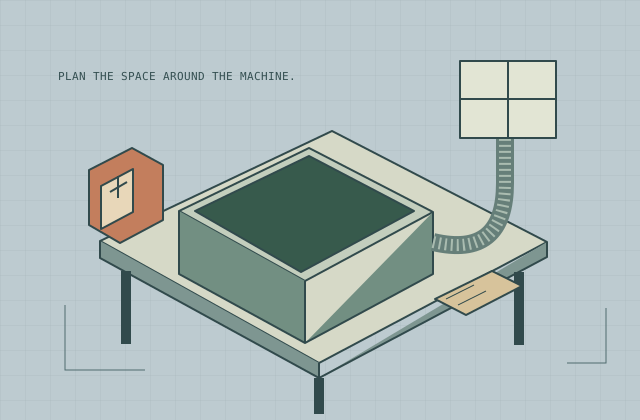
A purchase comparison should end if neither configuration can be installed appropriately in your available space.
Do not infer the safety of a complete installation from the presence of a small module shield or included eyewear. The FDA’s laser overview explains that laser hazards depend on accessible exposure and classification.
Obtain the current manual for the exact machine through Sculpfun’s Download Center. Resolve the required protective configuration, supervision, material restrictions, and extraction before purchase.
A larger enclosure or an expansion kit also changes the installation you are evaluating. Check access for loading and maintenance, not just whether the frame fits on the bench.
Use our small-workshop setup guide for that planning record. This comparison cannot certify an installation or supply a universal ventilation specification.
Which One Should You Buy?
The useful choice depends on a concrete project rather than a universal winner. Use the scenarios below to eliminate a poor fit and identify what evidence would make the remaining option worth buying.
| Your main work | Start with | Why that is a useful shortlist | What would change the decision |
|---|---|---|---|
| Names, simple artwork and occasional supported engraving | S30 Pro | Its 10W configuration may meet the task without paying for unneeded output | A representative sample fails your actual mark or time requirement |
| Regular cutting of identified supported stock | S30 Pro Max | The 20W configuration is the relevant higher-output candidate | The intended part does not fit its standard area or the sample does not meet the required finish |
| A layout near 375 mm in one dimension | Check the Pro’s geometry first | Its advertised field includes a 380 mm dimension; Pro Max lists 370 × 360 mm | Fixtures, orientation or positioning allowances make the layout unusable |
| A supported existing S9/S10 setup needing an upgrade | Compare a documented upgrade with a complete kit | Keeping compatible equipment can change the total purchase | The required frame, power and control components make the proposed upgrade unsupported or uneconomical |
| Clear acrylic as the main product | Revisit the source choice before either purchase | More blue-diode output does not itself establish a supported clear-acrylic process | A manufacturer supplies a documented suitable process for the exact job |
Example: engraving-first buyer
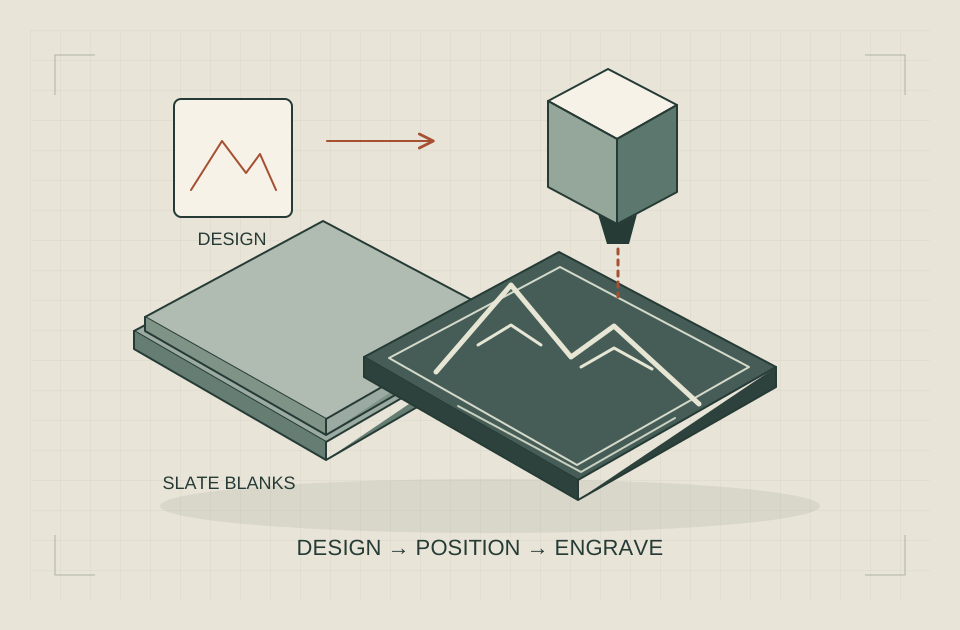
Suppose your project list is short names on identified slate blanks and simple artwork on approved wooden tags. Request a sample of the smallest text and finest feature you actually intend to sell or give away. Evaluate the cleaned result at its real size, not a magnified marketing image.
If the supported Pro configuration meets that task, compare the full setup cost and software arrangement before paying for the Pro Max. The decision is justified by the accepted work, not a claim that a lower wattage is always better for engraving.
Example: cutting-first buyer
Suppose the main workload is repeated small components from one identified plywood product. Prepare the real part geometry and required edge/fit criteria. Obtain a demonstration for each quoted configuration under stated stock, thickness, focus, air-assist, speed units and pass conditions.
The Pro Max becomes a stronger purchase candidate when that evidence shows a useful improvement for the whole job. Include loading, inspection and cleanup in the comparison. A faster path alone may have a smaller effect on batch time than the headline suggests.
Example: a buyer choosing a bundle
Start with two written package lists. Mark each required component as included, separately required, already owned and compatible, or unresolved. A honeycomb panel, rotary, enclosure, software key and camera serve different tasks; one bundle containing more items is not automatically the right package.
Compare the same delivery destination and the same day. The product pages expose several warehouse and plug options and mixed stock labels. We have verified the listings, not the availability of a selected checkout variant, so there is no live-price or in-stock badge on this comparison.
The purchase decision to keep
Choose the Pro when its supported job, geometry and complete package meet your requirements. Choose the Pro Max when a documented cutting need justifies the 20W configuration and its usable field fits. Leave the decision open when a required material process, installation or package remains unresolved.
Keep the selected quotation, the exact model documentation and your representative job brief together. Those three items explain why a particular configuration is suitable and make a changed bundle or future revision easier to assess.
Affiliate link · We may earn a commission on eligible purchases. How funding is disclosed.
Meet the job, then choose the package
Pro: investigate when the supported task fits. Pro Max: investigate when a documented cutting need justifies 20W. Keep unresolved essentials out of the cart.
Sources & specifications
Reviewed 2026-10-17. Compatibility tables apply to the manufacturer's equipment; confirm your exact machine, stock and accessories before use.
www.sculpfun.com sculpfun s30 pro laser engraving machine 10w
Checked · Technical reference checked during the October 17 article revision; no personal equipment testing claimed.www.sculpfun.com sculpfun s30 pro max laser engraver machine
Checked · Technical reference checked during the October 17 article revision; no personal equipment testing claimed.www.sculpfun.com sculpfun s30 series
Checked · Technical reference checked during the October 17 article revision; no personal equipment testing claimed.docs.lightburnsoftware.com Licensing
Checked · Technical reference checked during the October 17 article revision; no personal equipment testing claimed.xTool Essentials When Processing Acrylic with xTool Laser Machine
Checked · Blue diode limitations on clear, white and blue acrylic; not permission to improvise material preparation.Sculpfun Sculpfun® iCube Series — Official user guide / specifications
Checked · Official iCube guides and parameters; C1 and G9 manuals are also listed here. Model-specific figures cross-checked against manufacturer specifications. Product claims are not our test results or safety clearances.Independent research. This article contains an affiliate recommendation; we may earn a commission on eligible purchases. How funding is disclosed.