Write down three real projects, identify the exact materials and measure the largest blank. Use those constraints to eliminate unsuitable machines before comparing features.
A personalized slate coaster and an acrylic display stand can look like neighboring projects on a mood board. They can lead to very different equipment choices. The useful question is not “Which laser has the biggest number on the box?” It is “What result do I need, on which material, and in what space?”
This is a research-based buying framework, not a ranking or a report of equipment we have tested. It helps you build a shortlist worth investigating. Your exact machine manual and material supplier remain the authorities on what you can safely process.
A laser engraver uses laser energy to make a mark or change a material’s surface. Cutting through stock is a separate capability to verify. For a hobbyist choosing a first machine, begin with the intended result rather than assuming that every engraver is also a cutter.
Start with the finished object
Write a small project brief before visiting a store. For each of three objects, record the material supplier and formulation, the blank’s dimensions, the mark you want and the number you intend to make. “Metal gift” is too vague; “a name on an anodized aluminum tag” gives you a workable research question.
Separate marking a surface, engraving into material and cutting all the way through. A material name in a manufacturer’s gallery does not establish all three capabilities. A photograph also tells you little about preparation, passes or cleanup.
Use this matrix as a research direction, not a material approval:
| Your project | What to investigate first | Question to settle before purchase |
|---|---|---|
| Wooden signs or ornaments | A manufacturer-approved diode or CO2 workflow | Which exact wood, adhesive and finish are permitted? |
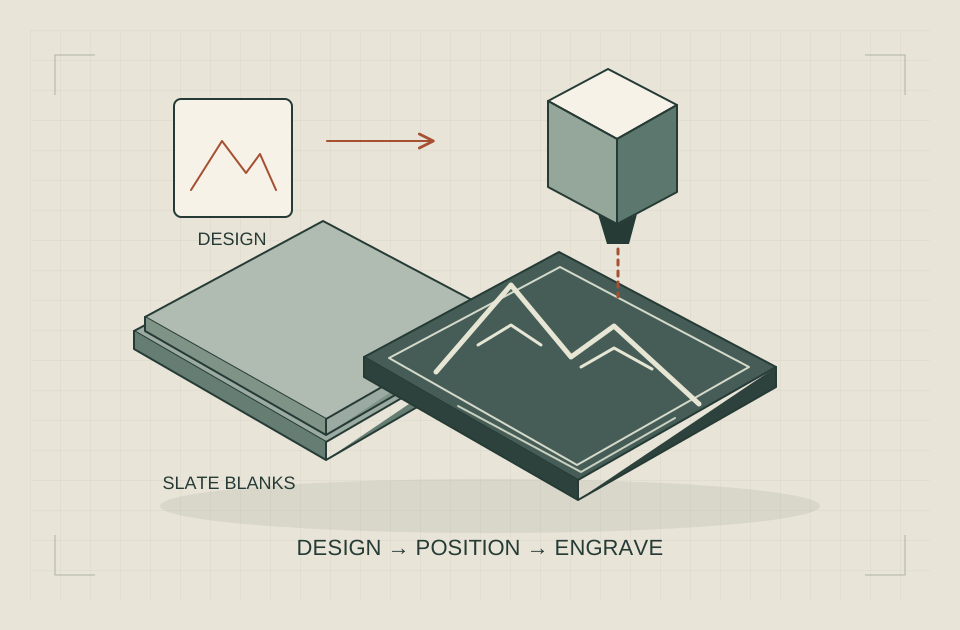
| Slate coasters | A documented stone-marking workflow | Is this supplied slate compatible, including sealers or backing? |
| Coated metal tags | Surface-marking capability | Will the result remove a coating, discolor a surface or engrave the metal itself? |
| Bare metal identification | A documented metal-marking source/process | Does the manufacturer support this alloy and the required mark depth? |
| Clear acrylic parts | A supported CO2 process | Does the specified acrylic, thickness and finish match the manual? |
| Cylindrical gifts | A supported rotary workflow | Will the object fit with the rotary installed, including handles or taper? |
Epilog’s material compatibility table lists wood and acrylic among its CO2 engraving/cutting applications and distinguishes coated-metal marking from bare-metal processing. The table also lists multiple alloys for fiber marking; CO2 bare-metal marking requires a marking solution in that documented workflow. These distinctions are specific to Epilog’s systems.
Glowforge’s Custom Materials FAQ describes anodized-aluminum marking as discoloration rather than metal removal. It also directs users to confirm material identity and compatibility with suppliers or experts. That is a useful reminder to ask what “engrave” means in a sales description.
Understand the laser source
Machine format and laser source are separate choices. “Portable” tells you about handling; “diode,” “CO2” or “fiber” tells you something about the process. Neither alone approves a material.
Blue diode: check color and transparency
A diode machine can be a candidate when the manufacturer documents your exact work. Do not extend a dark-acrylic example to clear acrylic. According to xTool’s acrylic guidance, blue diode lasers cannot cut clear, white or blue acrylic and cannot directly engrave clear acrylic. Investigate a supported process instead of improvising coatings or settings.
Good fit to investigate: documented surface work and flat projects within the usable area. Poor fit: buying for a material based solely on a generic compatibility list or an assumption that more watts fixes transparency.
CO2: a different material pathway
In its explanation of laser sources, Epilog notes that CO2 energy is readily absorbed by many organic materials, while metal surfaces can reflect it. This is a reason to evaluate the source against the job rather than treating every laser as interchangeable.
Good fit to investigate: an approved flat-stock workflow, including an acrylic process when explicitly supported. Poor fit: assuming a CO2 system cuts a bare metal sheet because it can mark a coated tag.
Infrared and fiber: do not collapse the names
An infrared label is not a complete technology description. LaserPecker’s LP4 User Manual identifies separate 450 nm diode and 1064 nm laser sources. Source types describe different processes; they do not establish safe material compatibility.
For bare-metal work, ask the manufacturer to identify the exact source and demonstrate the documented alloy/process you need. Do not infer fiber performance from the word “infrared,” or infer cutting depth from a surface-marking example.
Compare laser power without confusing the numbers
Keep electrical input, optical laser output and peak pulse claims in separate columns in your notes. Ask what each published number measures. If documentation is ambiguous, leave the cell blank and ask the manufacturer; do not normalize unlike numbers into a ranking.
Then check whether any demonstration matches your stock, thickness, desired depth and acceptable finish. A maximum advertised movement speed is not a completed-job estimate. Repositioning, loading, focusing and cleanup still belong in your plan.
A useful vendor question is: “For this documented material and result, which configuration and accessories are required?” It is better than asking how many materials the machine can handle.
Check working area and your home workspace
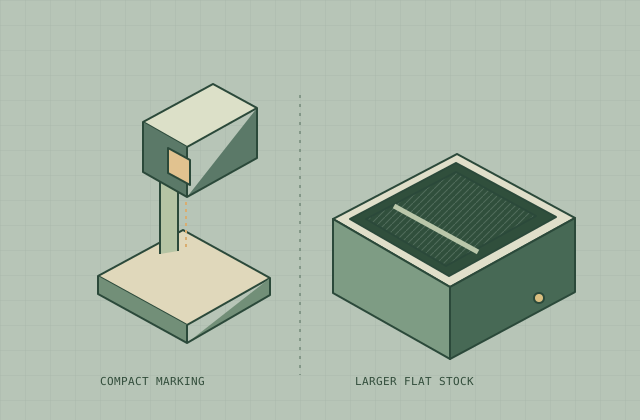
Sketch the largest blank, the usable marking area and the fixture that holds it. A jig can reduce available space. An optional extension can change the workflow. A rotary changes both clearance and positioning. Check these in the documentation for the configuration you will actually order.
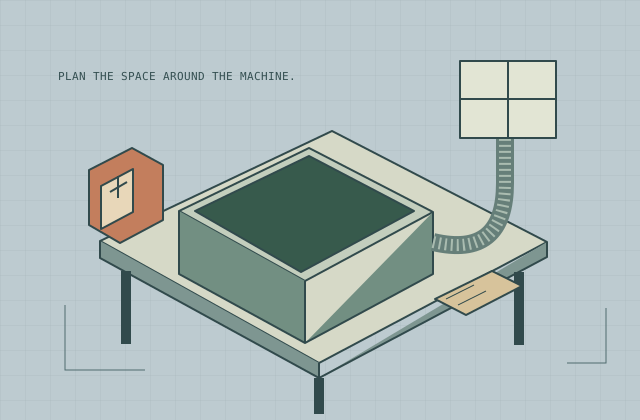
Next measure the complete installation: machine footprint, lid movement, loading direction, power access, exhaust route and maintenance access. Leave room to supervise without leaning over a running machine. A unit that physically fits on a shelf may still have no workable place to operate.
For repeated gifts, consider loading one object at a time versus a fixture holding several. That is a workflow decision. It does not imply any specific machine will be faster; an accurate time estimate needs the actual job and configuration.
Treat safety as part of the purchase
The FDA’s laser safety overview explains laser hazard classifications based on accessible exposure; Class IV lasers can present direct and reflected eye/skin hazards and fire risk. Do not equate a small housing or a low-looking brightness with safe operation.
Before adding a machine to your shortlist, obtain its current manual. Identify the classification in its intended operating configuration, the required enclosure, extraction and protective equipment, and any special requirements for pass-through or accessory use. Decide who can enter the workspace while it runs. Never plan to bypass a safety interlock to fit a larger object.
This guide cannot clear an installation as safe. If the manual leaves a requirement unclear, resolve it with the manufacturer and an appropriately qualified specialist before operation. For a practical planning sequence, read our small workshop setup guide.
Check software before buying the hardware
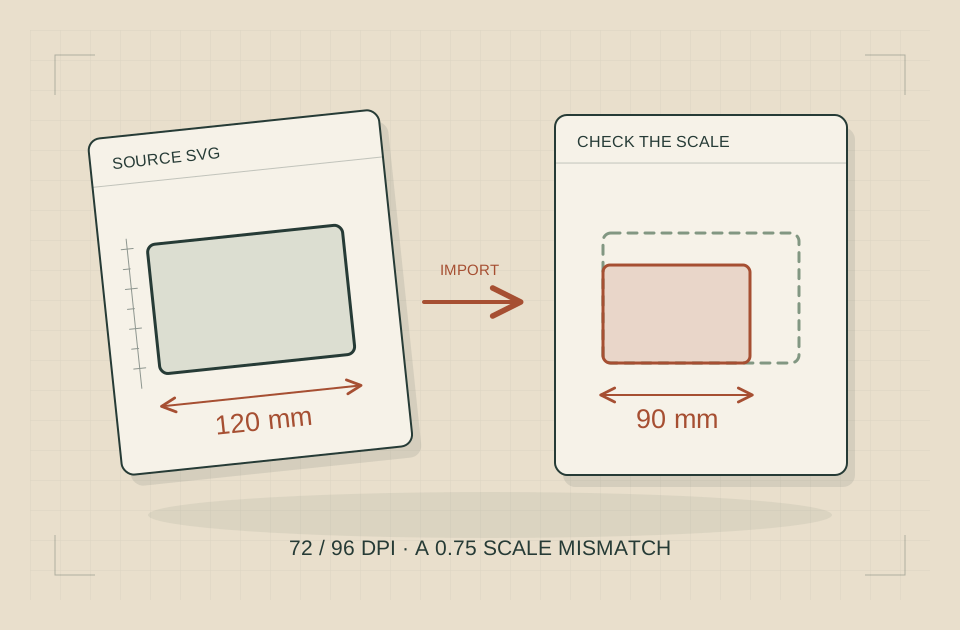
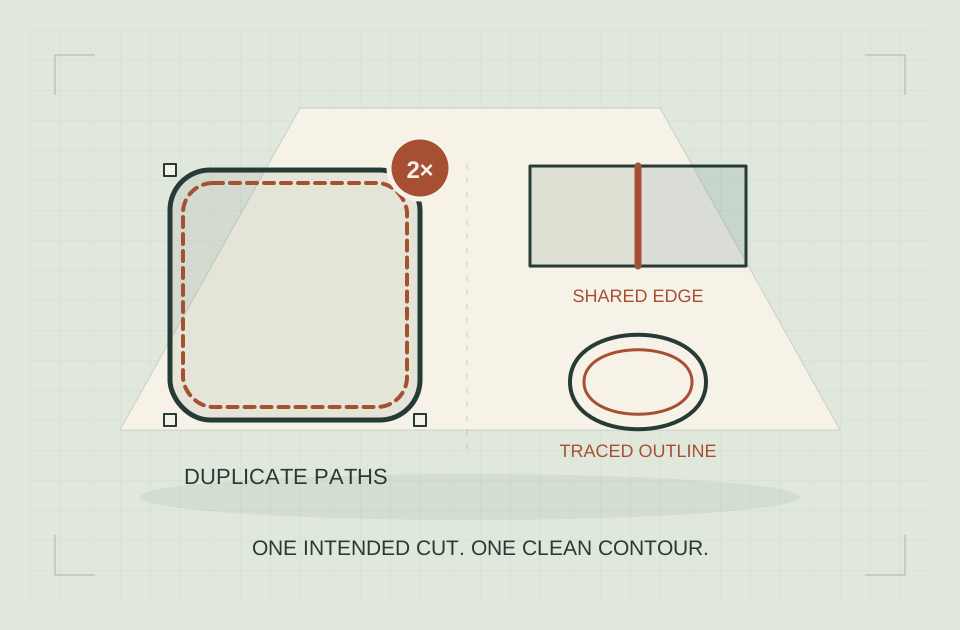
Prepare one design you actually intend to use and ask how it moves from your computer to the machine. Confirm supported file formats, operating systems, connection requirements and the exact software version. A photo engraving workflow and a vector cut outline need different preparation; a demonstration of one does not establish support for the other.
Ask whether the required features work offline, whether an account or internet connection is needed, and which licenses or subscriptions belong in your budget. Do not assume compatibility with a third-party program from the machine’s appearance. Obtain confirmation for the exact controller, model and source configuration before purchase.
Budget for a working system
Make a written ownership-cost worksheet. Put the machine on the first line, then add the items your verified workflow requires: enclosure if not included, extraction or approved filtration, replacement filters, fixtures, rotary accessories, computer/software needs and compatible stock. Include delivery, tax and the support or maintenance provisions you need.
Use supplier quotes when available. Leave unknown prices blank. Some accessories in product photographs may be optional; record the exact package contents rather than assuming a complete setup.
You should finish with three things: a material/process confirmation, a measured installation plan and a complete equipment list. Only then compare purchase options. If the format remains undecided, our portable versus desktop guide walks through the handling trade-offs without declaring a universal winner.
Request a Sample That Answers Your Buying Question
A supplier demonstration is more useful when the question is narrow. Start with identified stock: Glowforge’s Custom Materials FAQ points to the material manufacturer, safety data sheet and appropriate expertise when assessing custom materials. A photograph of a similar-looking object is not that identification.
Prepare a sample brief for the supplier rather than experimenting with unknown stock yourself. Include:
- The supplier and exact material identification, including known coatings or backing.
- The drawing revision and intended result: a surface mark, a cut-through part or another explicitly described process.
- The proposed machine configuration and the documentation supporting that material/process combination.
- Observable acceptance criteria, such as whether the intended text remains legible or the required design features are present.
- The conditions and limitations the supplier must disclose with the returned sample.
Ask the supplier to decline an unsupported process instead of improvising one. Keep the sample, the brief and the supplier’s description together. A successful example supports only the documented combination demonstrated; it does not establish universal material compatibility, installation safety or long-term reliability. If repeatability matters to your purchase, ask what evidence addresses that separate question.
Separate Purchase Gates from Preferences
Before ranking machines, divide your requirements into conditions that must be resolved and conveniences that can be traded off. This avoids giving an attractive feature credit for an unanswered essential question.
| Decision status | What it means in your buying record | Next action |
|---|---|---|
| Meets a documented requirement | Evidence covers your exact proposed configuration and task | Retain the evidence with the quotation |
| Pending confirmation | A necessary answer is missing or conflicts with another document | Ask for a written clarification before deciding |
| Does not meet your requirement | The documented limitation excludes your intended job | Remove the candidate for that job |
Only after the necessary requirements are addressed should you compare preferences such as interface layout or convenience features. Do not average an unsupported material process into a numerical score, or count an unresolved installation question as a minor drawback. For the physical setup and cost records, continue with the small-workshop planning guide; those decisions need their own evidence, not a better product photograph.
First laser engraver: common buying questions
How many watts does a beginner need?
There is no useful wattage recommendation without a documented job. Name the exact stock, thickness and result, then compare optical output and the supported process. A higher number does not settle material compatibility, enclosure requirements or the quality of your prepared artwork.
Can one laser engrave wood, acrylic and metal?
Treat each as a separate process question. Clear acrylic can rule out a direct blue-diode workflow; a mark on coated metal does not prove engraving into bare metal. Start with the source distinctions above and the manufacturer’s guidance for your exact stock, rather than expecting a single generic materials list to answer every project.
Can you laser engrave glass?
Epilog’s material compatibility table lists glass engraving for its CO2 systems, without listing glass cutting in that table. That is a specific application example, not approval for every glass object or laser source. Confirm the exact glass, shape and supported process before selecting a machine.
Can you laser engrave plastic?
“Plastic” is not a sufficient material identity. Glowforge’s materials safety guidance warns that some plastics and coatings can create hazardous fumes or fire risk. Identify the formulation and obtain process compatibility guidance; do not assume extraction makes unknown stock acceptable.
Can you laser engrave leather?
Epilog’s material compatibility and exclusions guidance lists leather among CO2 applications but separately warns against artificial leather containing chromium. Identify the exact stock, treatments and backing before asking whether your chosen machine supports it. A generic leather label is not permission to process it.
Where should a beginner get laser engraver settings?
Use the exact machine’s manual and its supported material workflow. A power percentage without the source configuration, stock, speed units and other required settings is incomplete. Do not copy a recipe across machines or use settings to investigate unidentified stock. The workshop setup guide linked above covers preparation before the first job.
Should a beginner buy the cheapest machine?
Compare complete setups that can perform the same documented job. A low machine price is not a complete budget if you still need approved extraction, an enclosure, fixtures or software. This guide helps evaluate those requirements; it does not identify a best-value model or rank machines we have not tested.
For the wider research path, use our laser engraving guides on materials, machine formats and setup.
Sources & specifications
Reviewed 2026-10-13. Compatibility tables apply to the manufacturer's equipment; confirm your exact machine, stock and accessories before use.
Epilog Material Compatibility for CO2 and Fiber Laser Engravers
Checked · Epilog compatibility table. Not a universal approval for other machines or unknown material formulations.Epilog YAG Laser vs. CO2 Lasers
Checked · Laser-source absorption and application differences.xTool Essentials When Processing Acrylic with xTool Laser Machine
Checked · Blue diode limitations on clear, white and blue acrylic; not permission to improvise material preparation.Glowforge Custom Materials FAQ
Checked · Material identity, supplier confirmation, SDS; anodized aluminum marking and slate cautions.Glowforge Safety — Glowforge Performance Series
Checked · Performance-series supervision, enclosure, exhaust, materials and fire precautions. Model-specific.LaserPecker LP4 User Manual — product specifications, page 15
Checked · Elliptical and square engraving fields and laser source types only; no output-power or slide-extension claim.Independent research. This article contains an affiliate recommendation; we may earn a commission on eligible purchases. How funding is disclosed.